How to Display a Digital Dog Portrait at Home (Without Waiting for Shipping)
A practical guide to printing, framing, and displaying a high-resolution dog portrait file at home, at a local print shop, or as a phone wallpaper.
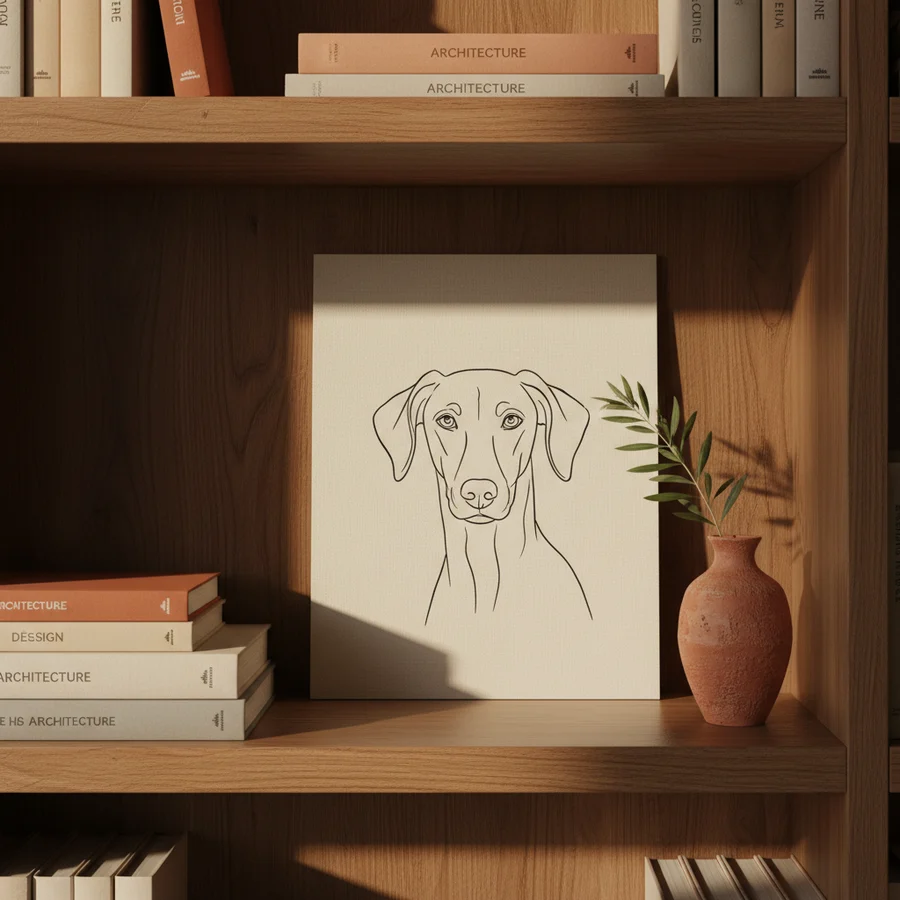
A high-resolution dog portrait file is, on its own, a beautiful thing on a phone screen. But the moment it's printed and framed in a hallway, it becomes something else - the kind of object guests notice on their way to the kitchen.
This is how to get from inbox to wall, in the configuration that suits your home.
The five places it actually belongs
A practical, ranked list. Most dog portraits end up in one of these.
- Above a console table in the hallway. A2 print, simple black or natural-oak frame. The first thing guests see.
- In the kitchen, near the dog's feeding station. A4 or A3. A small homage where the food bowl lives.
- On the bedside table. A5 in a small frame, propped on a stack of books.
- As a phone or lock-screen wallpaper. Six pre-cropped sizes ship with every order - phone, tablet, lock-screen, watch, Mac.
- In a child's bedroom. Soft Watercolour or Storybook style, A3, often paired with a name plaque.
The bad places: directly above a sofa, where it competes; in a windowless corridor with no light; on the side of a fridge that doesn't open.
Three print routes, ranked by hands-off-ness
Route 1 - any home inkjet printer (A4)
The easiest path. Any current inkjet handles A4. Three rules:
- Use matte or satin paper, never glossy. Glossy reads cheap on a fine-art portrait. Look for "fine-art matte" or "photographic satin" - €0.30-€0.80 per sheet.
- Set the printer to its highest quality mode. "Photo" or "Best" - the slow setting. The difference between standard and best is enormous on a portrait.
- Trim the borders before framing. Even a 2mm white border ruins the frame fit. Use a guillotine, ruler-and-stanley-knife, or ask the framer.
Cost: about €1 in ink + €0.50 in paper. Total: €1.50.
Route 2 - your local print shop (A3, A2)
The route most people pick. Walk in with the file on a USB stick or email it ahead.
What to ask for:
- Fine-art giclée print on archival paper. Hahnemühle is the gold standard; any reputable print shop carries it.
- A2 size unless you've measured a smaller spot. A2 is 42 × 59 cm - perfect for above-table or in-corridor display.
- Print on the longest edge to 4096px - tell them this. Our files are 4096 × 4096, which prints to A2 with headroom.
Cost: €15-€35 for an A2 giclée. €25-€60 if you want it on canvas instead of paper.
Route 3 - an online printer
If your local print shop doesn't do fine-art prints, the online alternatives are quietly excellent in 2026. Print options that consistently produce good results:
- Photobox / Printerpix for paper prints up to A2, framing included
- Fracture (US) / Glassprints (EU) for direct-to-glass, no frame needed
- GreatBigCanvas / Photowall for canvas, large sizes
Upload, choose size, choose frame, two-week wait. €40-€120 framed and delivered.
A framing cheat-sheet
The frame matters as much as the print. Three pairings that always work:
| Style | Frame | Mount |
|---|---|---|
| Royal Portrait | Antique gold, ornate or simple | Cream double-mount |
| Oil Painting | Walnut, dark oak, or plain black wood | Off-white single mount |
| Soft Watercolour | Natural oak, ash, or white-painted wood | White wide mount |
| Storybook | Painted wood (black, navy, or sage) | White mount |
| Minimal Line | Thin black metal or maple | No mount, print to frame |
| Memorial | Plain dark oak or matt black | Off-white single mount, modest |
The single most common mistake: a too-thin frame on an A2 print. The frame moulding should be 25-40mm wide at A2 to balance the print weight. Anything thinner reads "office".
The phone wallpaper route - no print needed
Half of all orders never get printed. The wallpapers are the product.
Every order includes six pre-cropped wallpapers: iPhone Pro Max, iPhone standard, iPad, Apple Watch, Lock Screen square, and Android. Drop them into your photo library, set them as wallpaper in Settings, and your dog is on every screen you look at all day.
This is, for many owners, the highest-utility version of the portrait - it doesn't need a wall, a frame, or a print shop. It just lives with you.
Multi-image displays - galleries and grids
If you have all six styles (the €99 tier), the natural next move is a small gallery wall. Three configurations that look intentional, not chaotic:
- The vertical trio - three styles stacked vertically, same size, same frame. Royal / Oil Painting / Soft Watercolour reads beautifully.
- The 2x2 grid - four prints, evenly spaced, same frame. Works in a stairwell.
- The salon hang - all six, varied sizes, asymmetric. Hardest to get right; pay a framer to lay it out for you on the floor first.
What to do with the file after framing
Three habits:
- Save the original file in two places. Email it to yourself as an attachment + drop a copy in your password manager's Documents vault. The gallery link we send stays live for a year, but the file in your own storage is forever.
- Re-print at different sizes for different rooms. The same file produces a tiny bedside print and a large hallway print without any quality loss.
- Make a few prints for family. Grandparents, your partner's mum, the friend who was there when you adopted them. The marginal cost is €15 a print; the goodwill is significant.
When to upgrade the print
The signal that it's time to print larger or on better paper is simple: when you stop noticing the portrait on the wall.
That sounds like a failure but it's the opposite - it means the portrait has become part of the room, and the next move is to make it larger so it earns the attention it deserves. A3 to A2 is the most common upgrade. A2 to A1 is the second.
Your dog's portrait is thirty seconds and one upload away. The print, the frame, and the wall are decisions you make on your own schedule.